Skip to content
Apps & Extensions

Save from anywhere.

Four ways into the same Library. Availability is shown as it is today — nothing here is a promise.

Available

Android: SaveFold in your share menu.

Add SaveFold to your home screen from Chrome. From then on it appears in the Android share menu of every app that can share a link.

  1. Open savefold.site in Chrome and choose “Add to Home screen”
  2. In Instagram, X, YouTube or any app, tap Share → SaveFold
  3. Saved — with title and preview
Set up Android

A web app installed from Chrome — no Play Store download. Set it up from Settings after you create your account.
Available

iPhone: add Quick Share once.

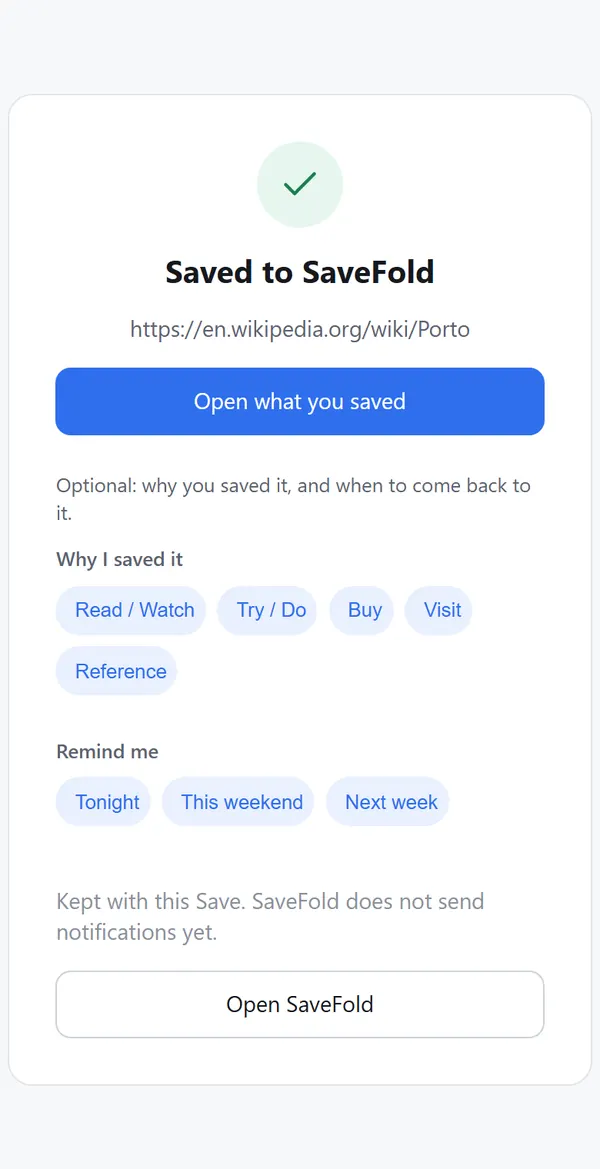
The SaveFold Quick Share shortcut puts SaveFold in your iPhone share sheet. One-time setup, then it works from any app that can share a link.

  1. Add the SaveFold Quick Share shortcut (one tap; Apple asks you to approve it)
  2. In any app, tap Share → SaveFold Quick Share
  3. Confirm — Saved
Add Quick Share

Runs through Apple Shortcuts. It is not a native App Store app. Set it up from Settings after you create your account.
In development

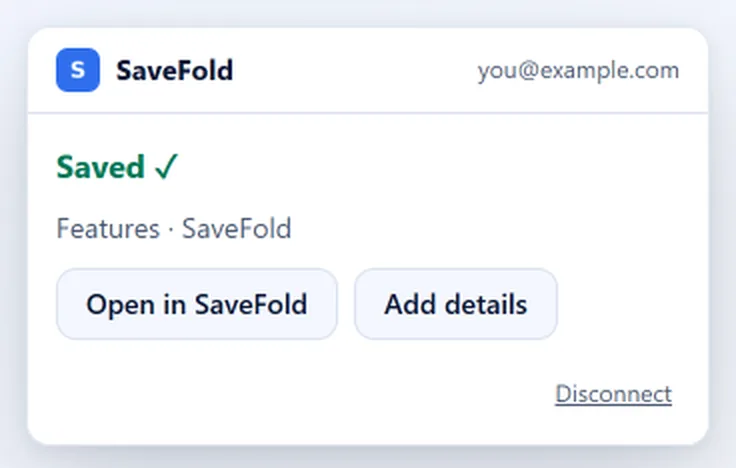
Browser extension: see a page, click SaveFold, saved.

One click from any webpage, straight into your Library. Chromium browsers come first, Firefox next, Safari later.

  1. Install the extension from your browser’s store
  2. Click the SaveFold button on any page
  3. Saved — optionally add a Collection or note
In development

Store links appear here when the extension is published. Until then there is nothing to install.

ChromeEdgeBraveArcOperaVivaldiFirefox nextSafari later
Available

Web: your whole Library, in any browser.

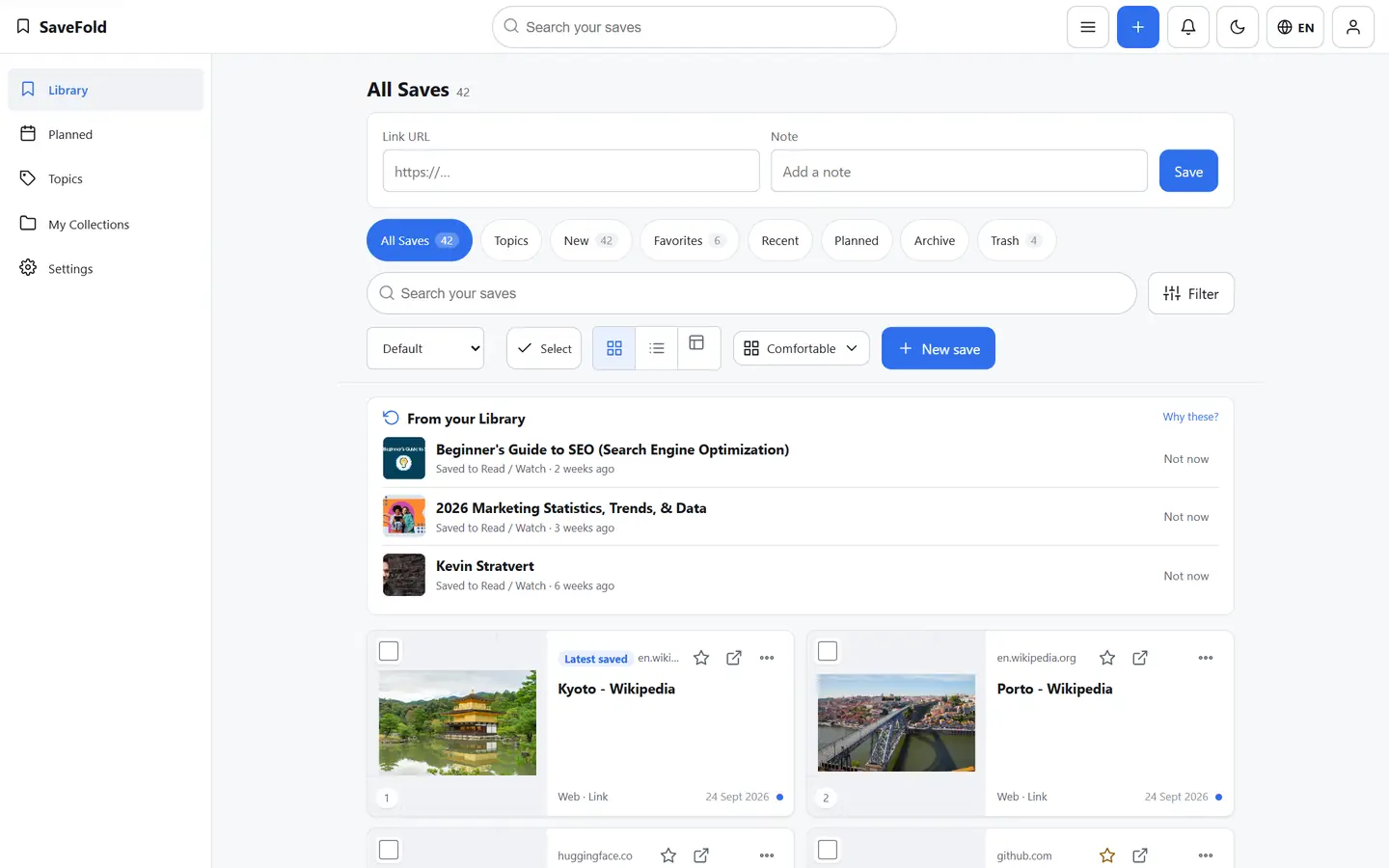
Everything lives at savefold.site: paste a link, write a note, search, manage Collections, export. Works on any computer without installing anything.

  1. Open savefold.site and log in
  2. Paste a link or write a note
  3. Search, organize, export
Open SaveFold

This is the web app, not the browser extension.

One Library. Every device.

Start free, then add SaveFold to the phone you actually save from.

Start free